Offline-capable PWA
Auto-filing expense entry
Free, no premium tier
The challenge
Budgeting apps lose people at setup: categories to build, spreadsheets to maintain, and a small decision on every single expense about whether it is a need or a want. The design problem wasn't the maths. It was building something people would still be using a month later.
What we delivered
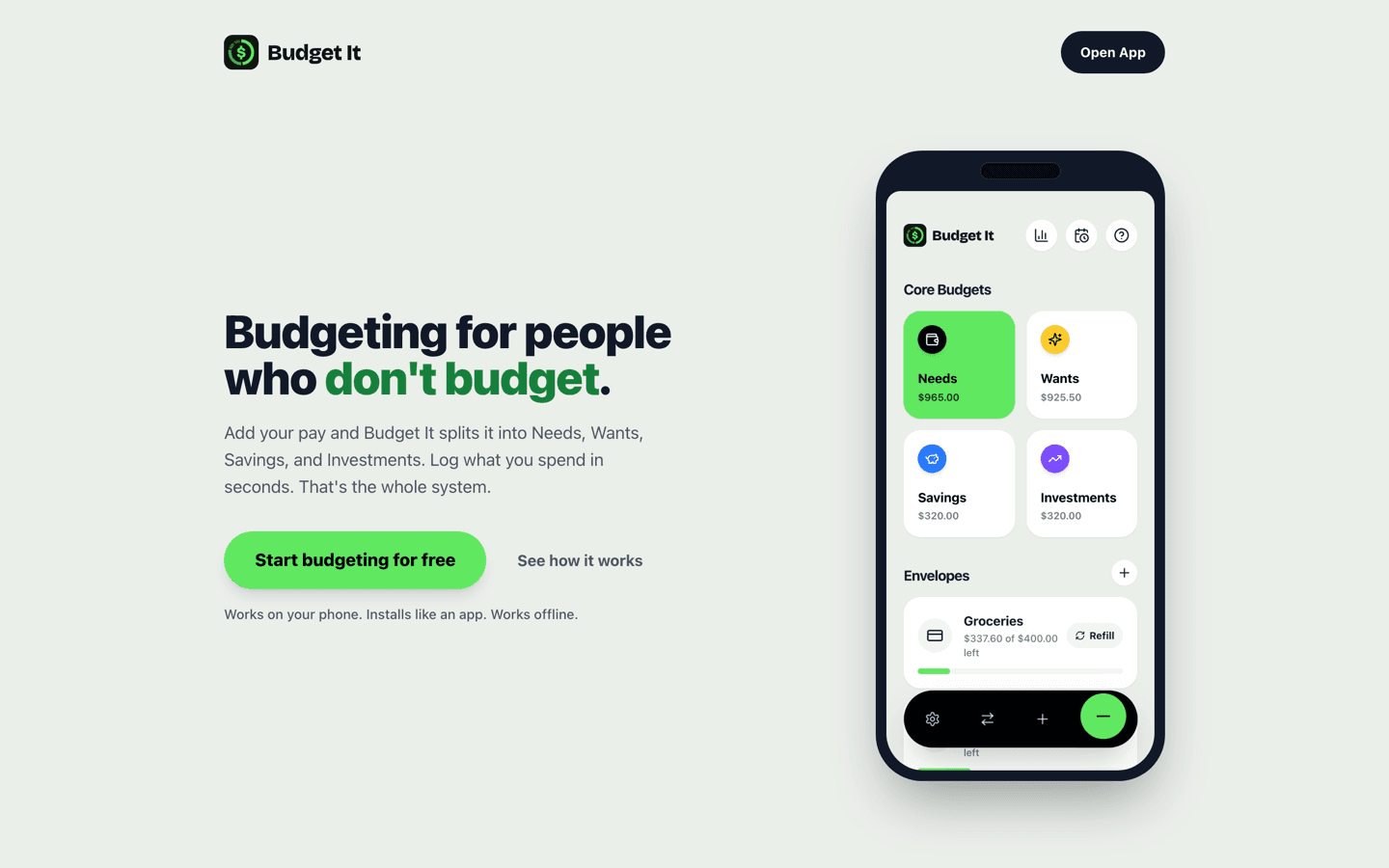
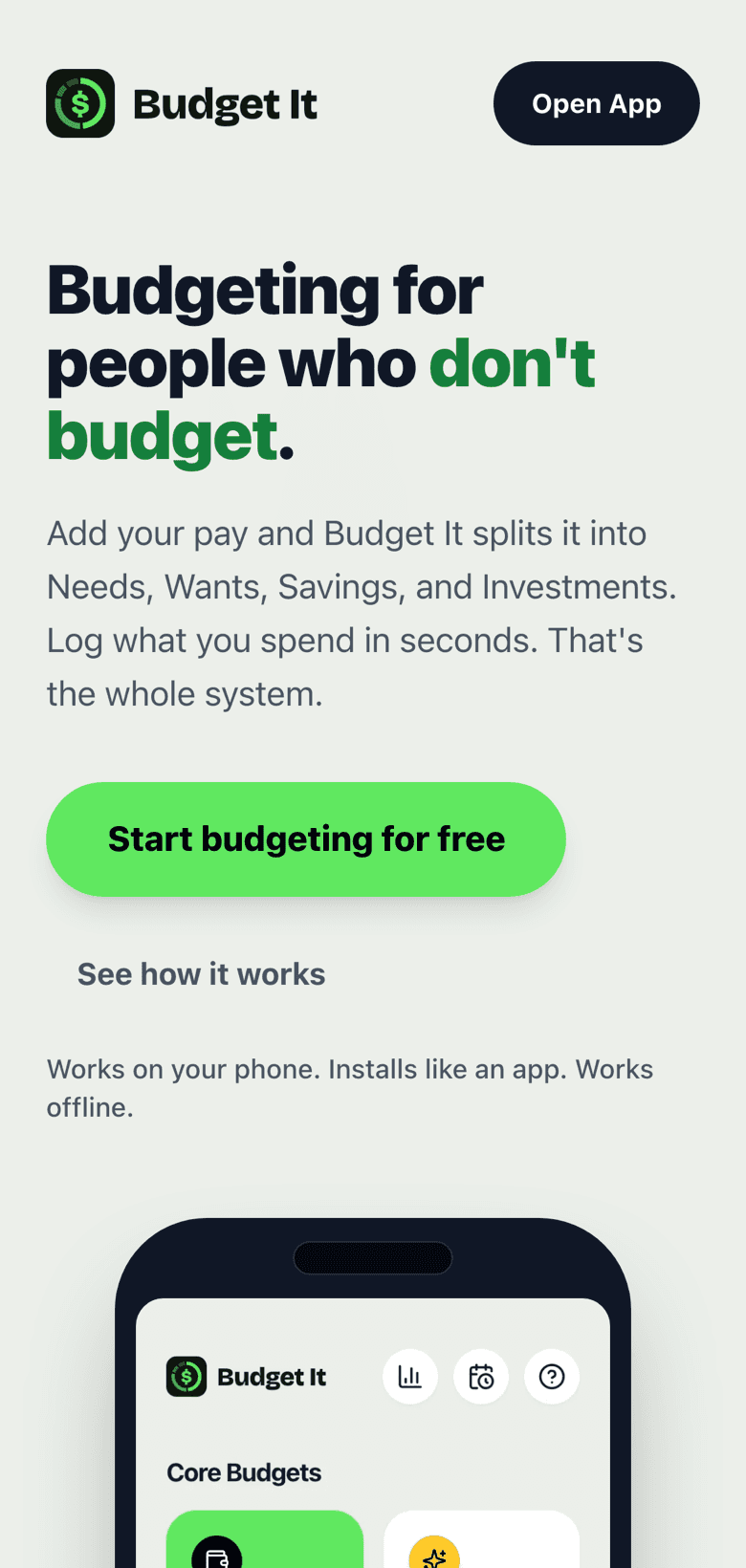
- •Pay-in splitting across Needs, Wants, Savings, and Investments, with percentages you tune once
- •Expense logging that suggests repeat purchases and files them where you filed them last time
- •Envelopes for things like groceries and gas that fill automatically from what you log
- •Recurring bills that prompt when they're due and log in one tap, never silently
- •A monthly view with money in, money out, what's left, and six-month trends, with no charts to configure
- •An installable PWA that logs offline and syncs when you're back in signal
- •Google sign-in with full CSV export, so the data stays the user's
The outcome
Budget It reduces the whole system to one number in and a few seconds per expense. It installs from the browser with no app store, works at a checkout with no signal, and is free: no card, no trial, no premium tier.
Want a system like this for your business?
Tell us where you're starting from and we'll recommend the right package. See pricing or book a strategy call.